Overview #
After completing the PraDocs registration and organization setup, you can sign in to your PraDocs account using your registered email address and password.
Before you begin #
Make sure you have:
- A registered PraDocs account
- Your registered email address
- Your PraDocs password
- A stable internet connection
Step 1: Open the PraDocs login page #
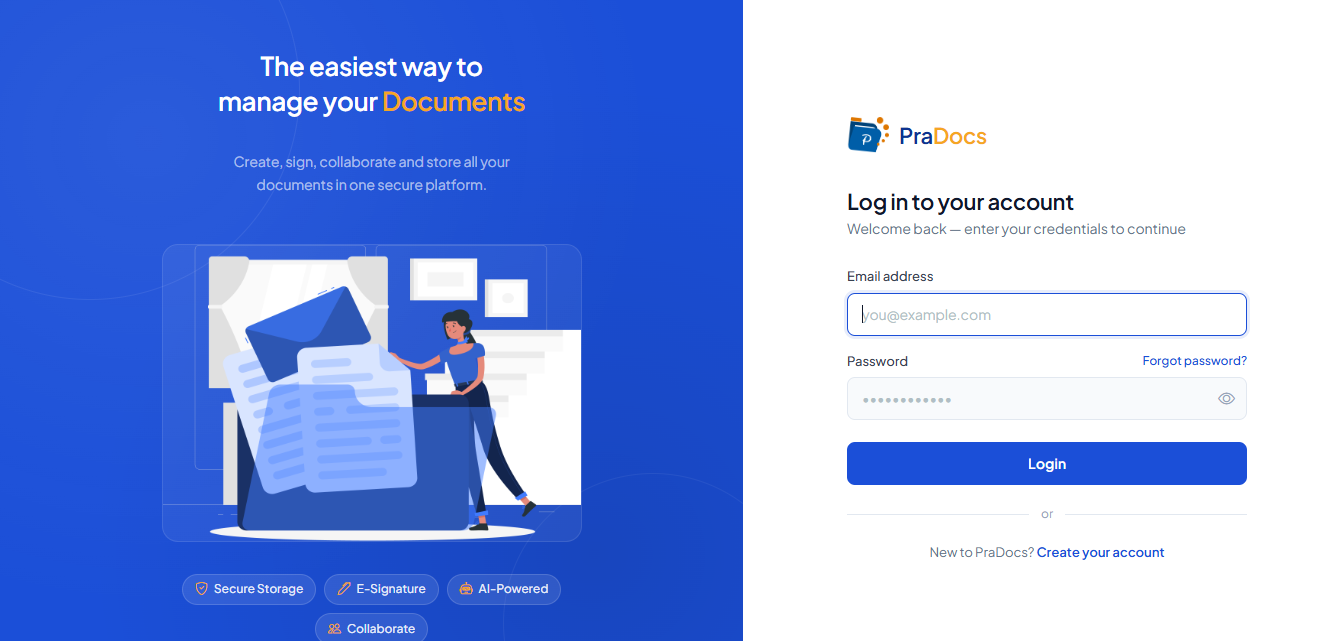
- Open the PraDocs website in your web browser.
- Click Sign In / Login to open the login page.
Step 2: Enter your email and password #
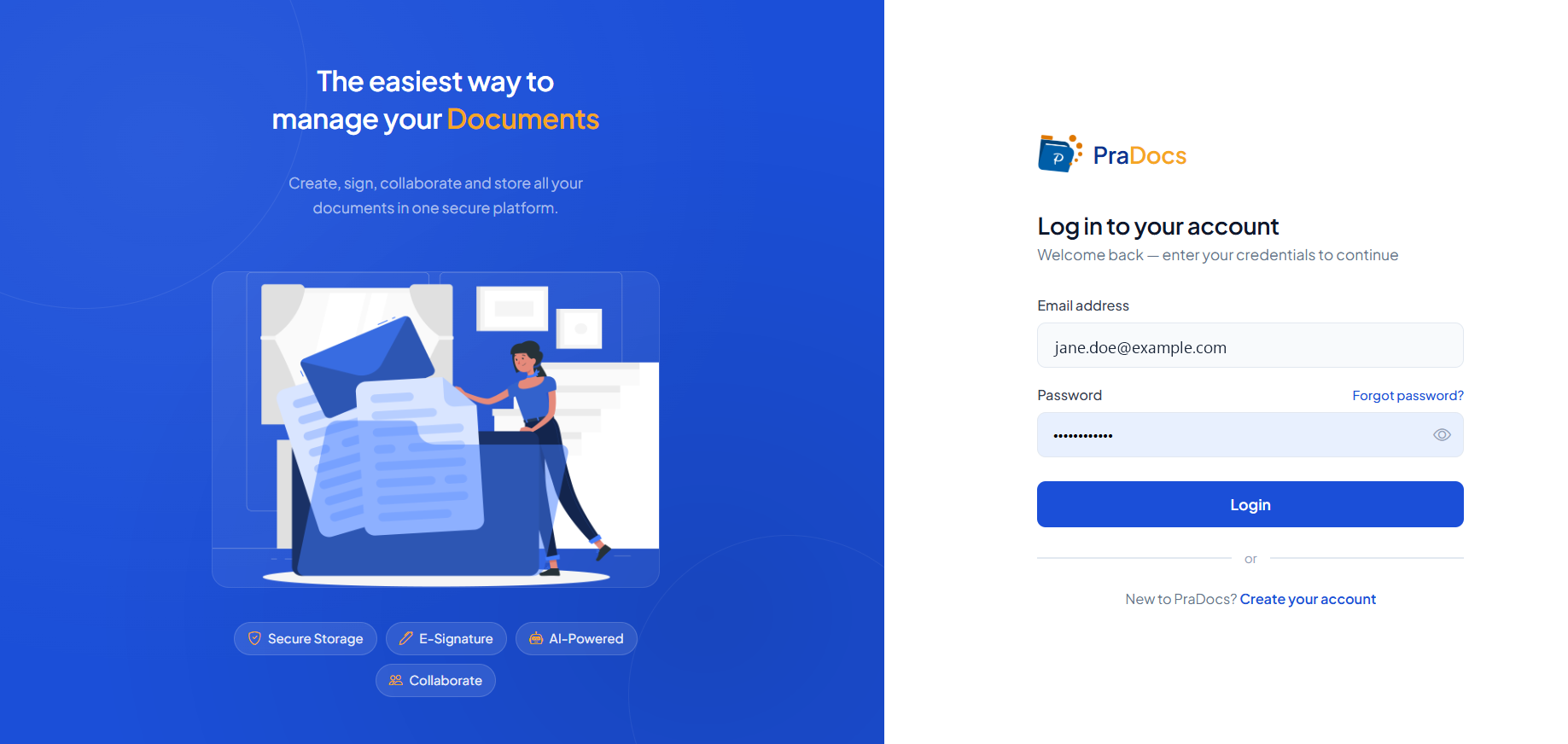
- Enter the email address registered with your PraDocs account.
- Enter your PraDocs password.
- Check that both details are entered correctly.
Step 3: Click Login #
- Review your login credentials.
- Click Login.
- PraDocs will verify your credentials.
Step 4: Access your PraDocs account #
- After successful authentication, PraDocs will open your account.
- You will be able to access your PraDocs workspace.
- From there, you can access the Dashboard and other available features.
Expected result #
You have successfully signed in to your PraDocs account and can access your PraDocs workspace.
Troubleshooting #
Forgot your password?
Click Forgot password? on the login page and follow the instructions to reset your password.
Login failed?
Check that your registered email address and password are entered correctly.
Account not accessible?
Make sure your registration and organization setup have been completed successfully.