Overview #
Follow the steps below to create a PraDocs account, verify your registration, complete your organization setup, and access the PraDocs Dashboard.
Before you begin #
Make sure you have:
- A valid email address
- Access to the registered mobile number, if required for verification
- Your organization details
- A secure password
- A stable internet connection
Step 1: Open PraDocs #
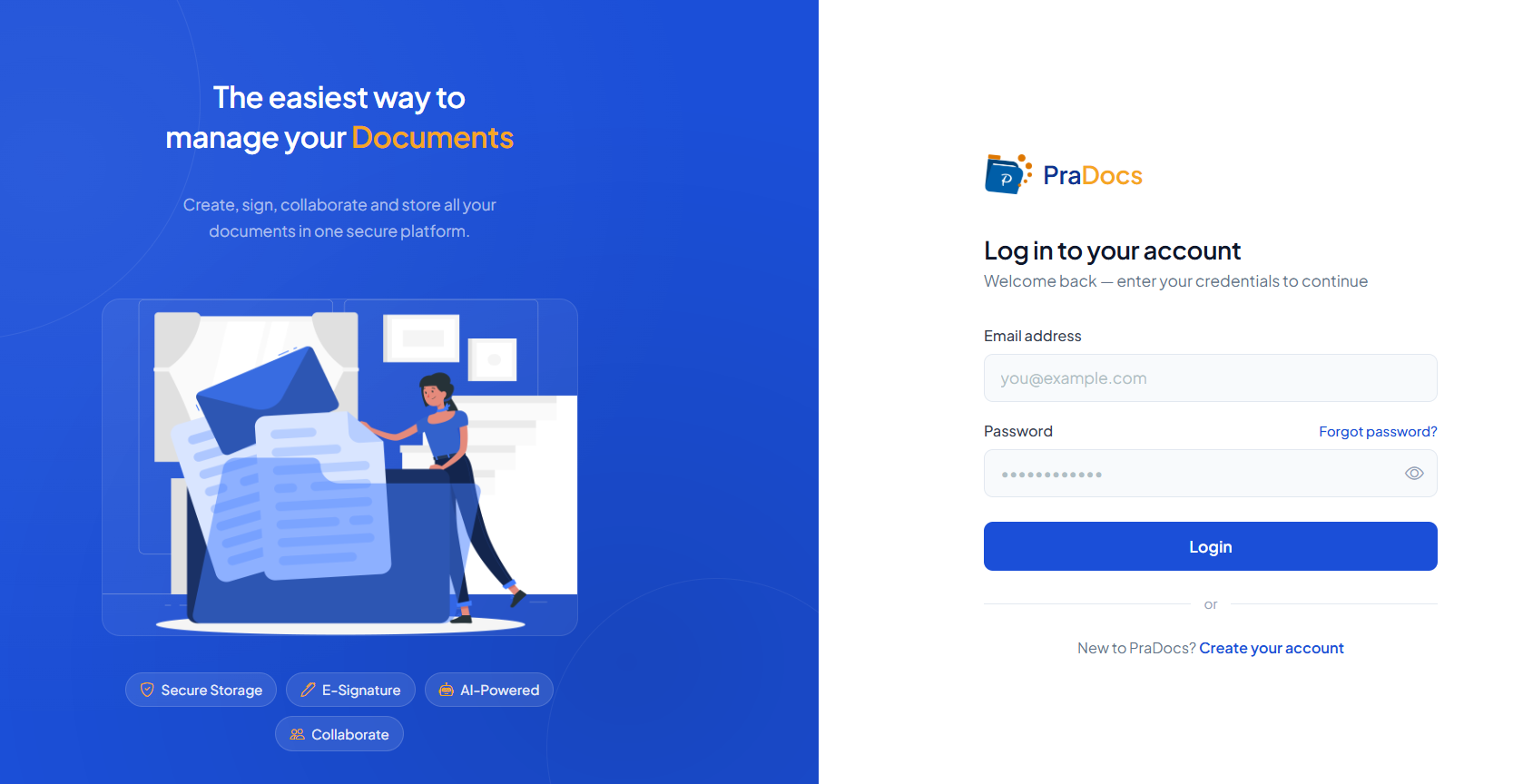
- Open the PraDocs website in your web browser.
- Click Create your account (Sign Up) to begin the registration process.
Step 2: Complete and submit the registration form #
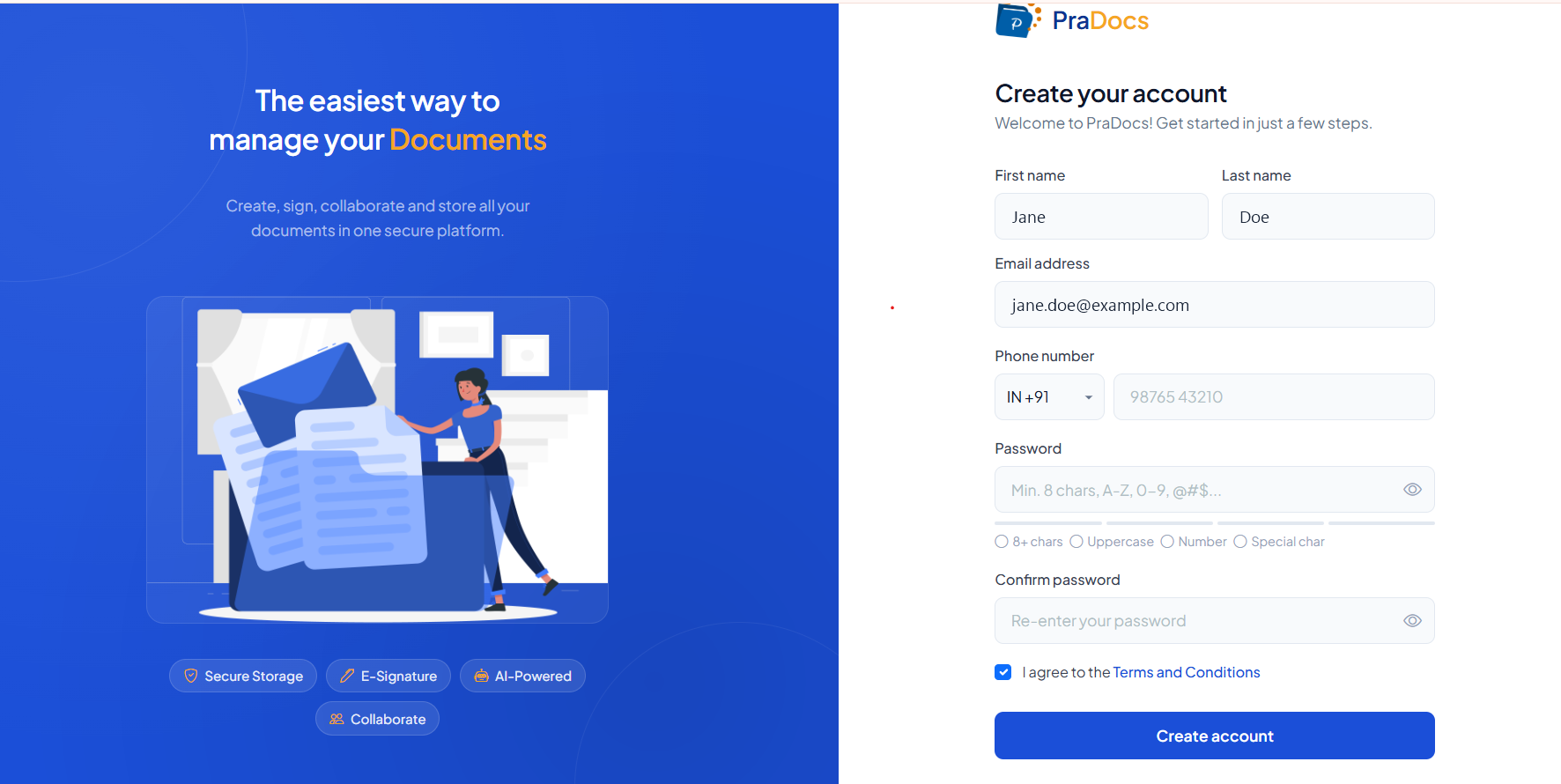
Enter the required registration details:
- First Name
- Last Name
- Email Address
- Phone Number
- Password
- Confirm Password
Review the information you entered, accept the Terms and Conditions, and click Create account to submit the registration form.
Step 3: Verify your registration #
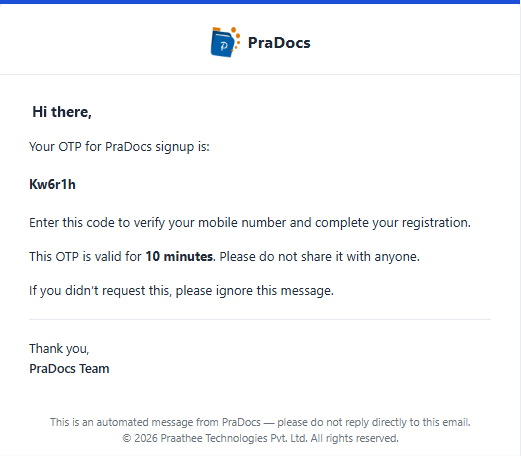
- After submitting the registration form, check your registered email or mobile for the PraDocs OTP.
- Enter the OTP provided by PraDocs. The OTP is valid for 10 minutes.
- Complete the verification process.
Step 4: Set up your organization #
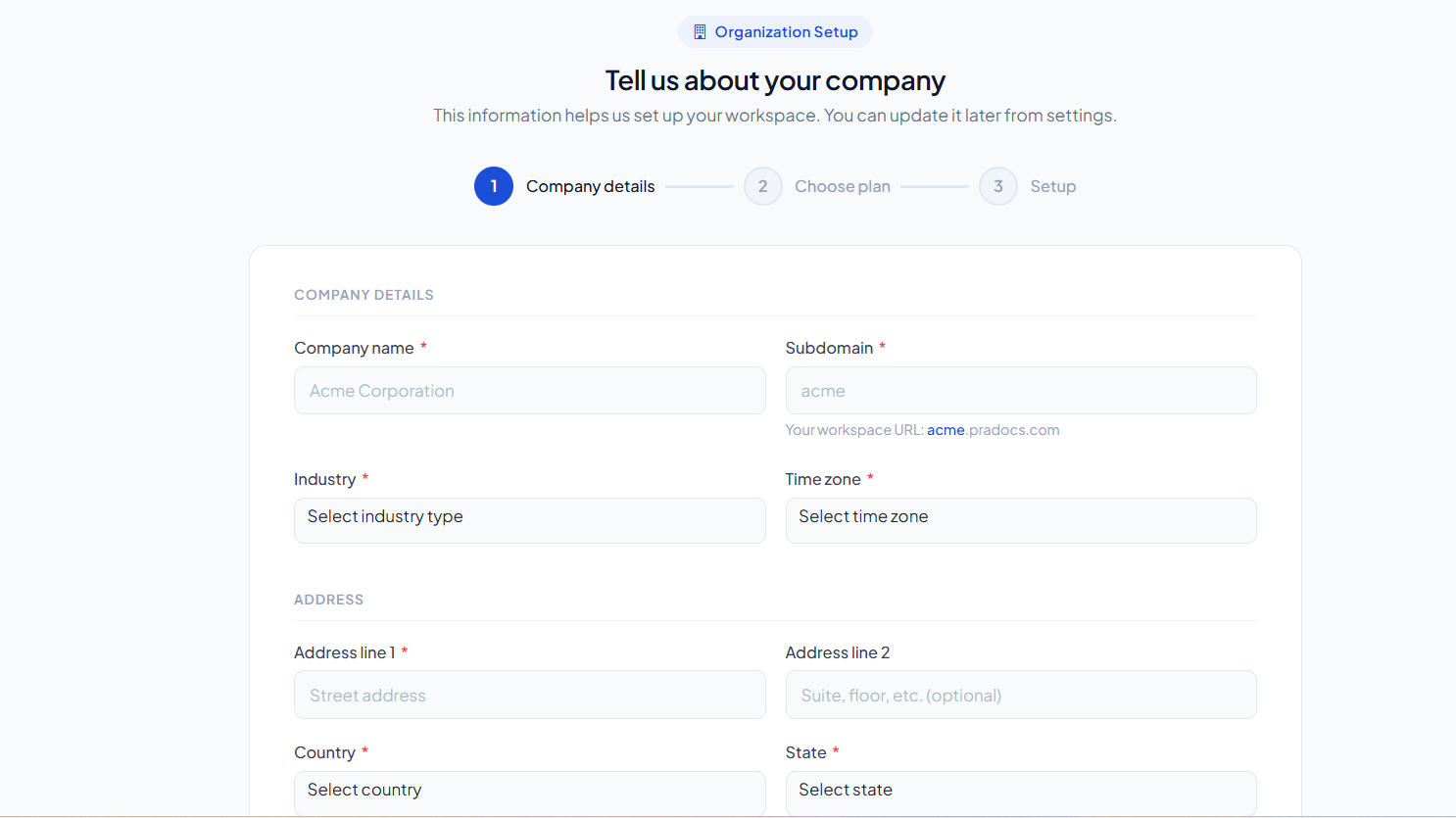
- After successful verification, continue to the Organization Setup page.
- Enter the required organization details.
- Review the information and click Continue / Complete Setup.
Expected result #
Your PraDocs account and organization are successfully set up, and you can access the PraDocs Dashboard.